Fluid Simulation
Smoothed Particle Hydrodynamics
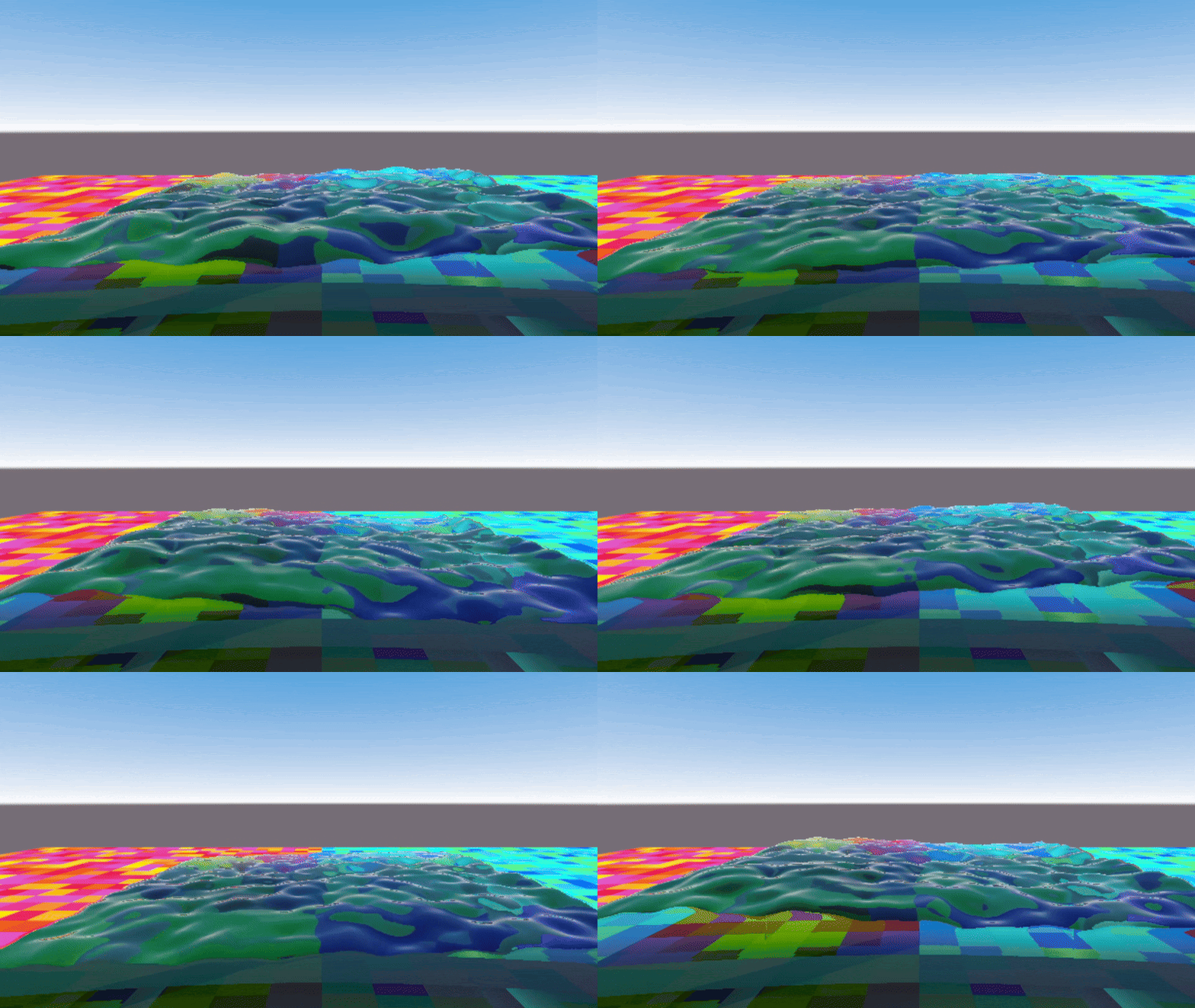
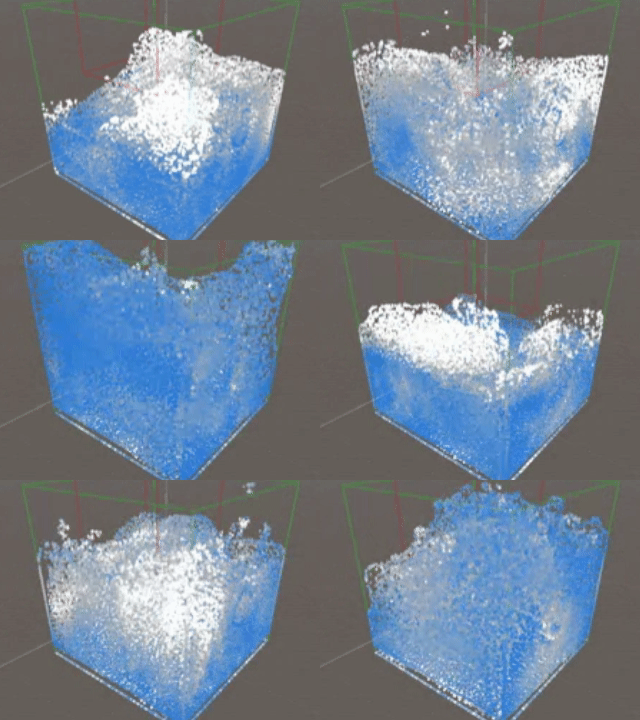
This is a fluid simulation created in Unity using Smoothed Particle Hydrodynamics (SPH). It was created using a compute shader for parallel processing using the GPU alongside instance-based rendering of particles for maximum performance. Each parameter of the simulation is configurable, allowing you to simulate different types of fluid based on density, mass, viscosity, etc. It also features basic sphere-based collisions. The particle simulation for the fluid is also decoupled from the rendering of the fluid, allowing the user to render the fluid in multiple different methods such as Ray Marching and Cube Marching.
Features:
-
Spherical Collisions
-
Configurable fluid properties
-
Multiple rendering options
-
GPU forward processing
What is Smoothed Particle Hydrodynamics?
Smoothed Particle Hydrodynamics (SPH) is a way to simulate fluids using a particle system.The basic idea is that every particle affects the particles around it within a certain radius.
Each particle represents a tiny part of the liquid and carries information like position, velocity, and mass. These properties are then used to calculate the pressure forces and viscosity forces that each particle applies on the other. Pressure forces repel, while viscosity forces attract. From these nearby interactions, we can figure out how dense the fluid is, how much pressure it has, and how it should move.
So in short:
-
Particles close together mean high pressure.
-
Particles moving apart mean low pressure.
-
These pressures and other forces (like gravity and viscosity) make the fluid flow naturally.
My Implementation
In my project, I used GPU compute shaders to run all the SPH calculations in parallel.
Here’s what happens each frame:
1. Density and Pressure Calculation:
Each particle looks at its neighbors and adds up their influence to find how dense the fluid is. Then it calculates pressure based on that density.

2. Pressure Force Calculation:
The shader calculates pressure forces (pushing apart), viscosity forces (smoothing flow), and gravity.

3. Movement:
The shader calculates pressure forces (pushing apart), viscosity forces (smoothing flow), and gravity.
4. Collision Updates:
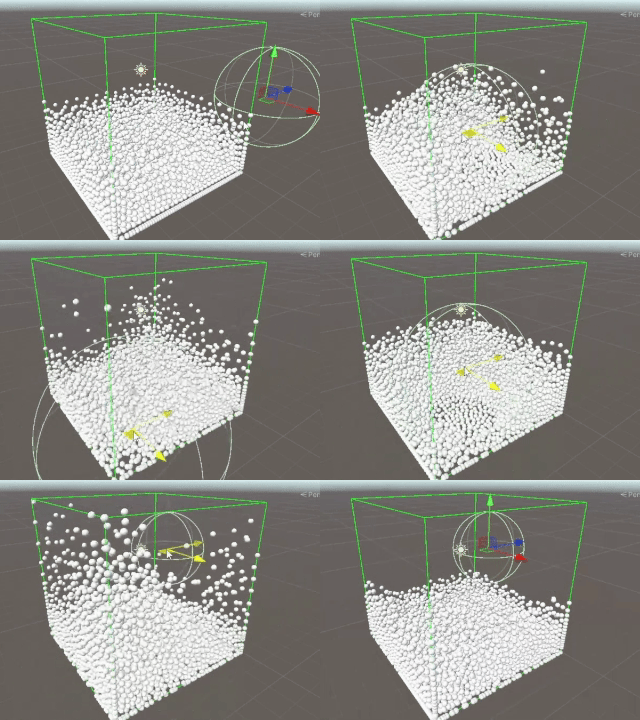
Particles bounce off the simulation boundaries or solid objects like a sphere.

5. Collision Updates:
Another shader creates a 3D texture showing how dense the fluid is in different areas. This can later be used for rendering the fluid surface. This project uses a Ray Marching shader and a Cube Marching shader for its two rendering options.

Marching Cubes

Ray Marching